Rehomed but Still Stuck: Why Won’t My 2G Cells Move to the New BSC?

Hi everyone,

I’ve got a question about MSC configuration for 2G cells and could use some clarity.

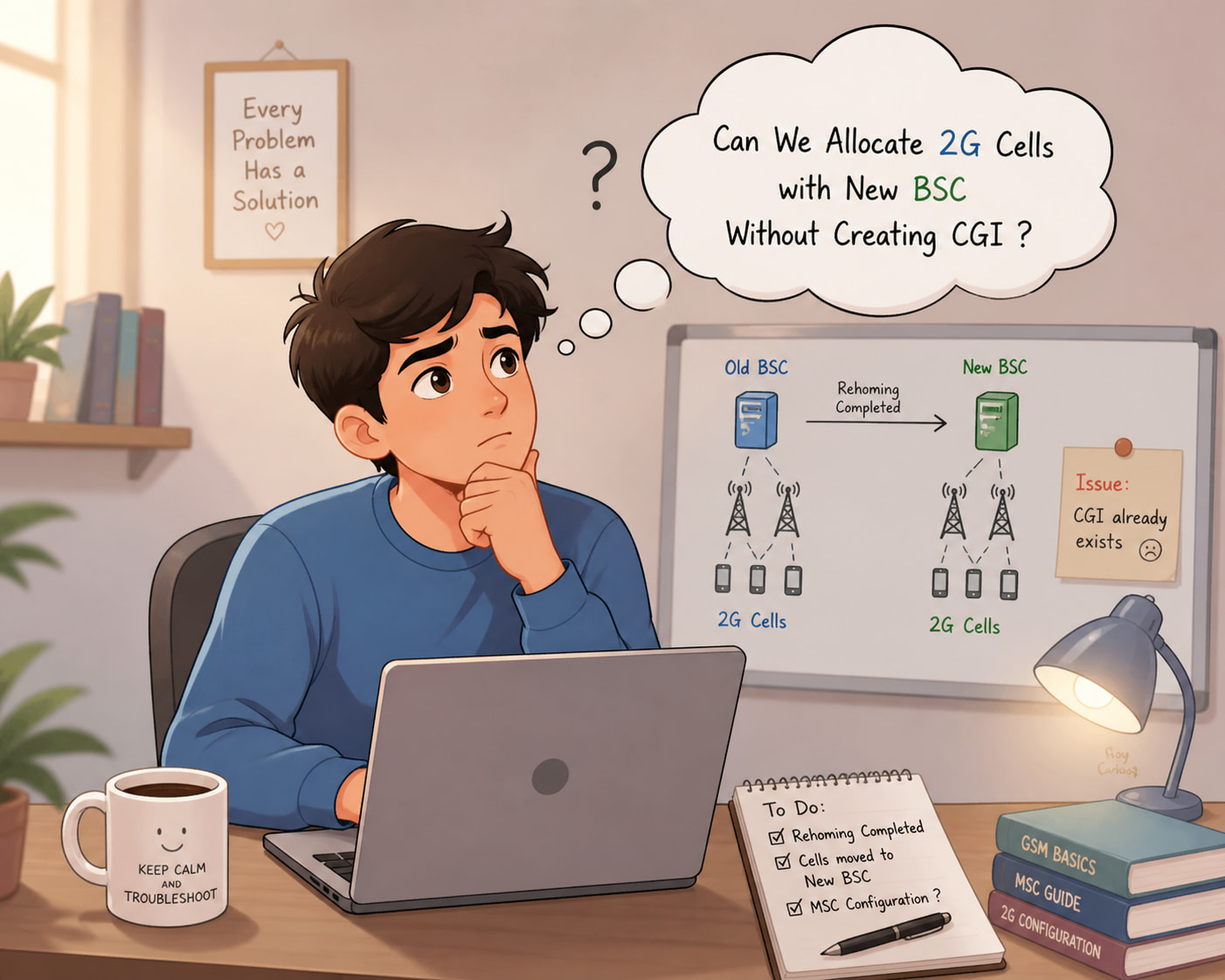
The node hasn’t been integrated yet. Previously, all 2G cells were configured in the MSC under the old BSC. As part of a customer rehoming activity, all those cells have now been moved to a new BSC.

Here’s where I’m stuck:

  • Do we need to reconfigure the same 2G cells in the MSC for the new BSC?
  • When I tried doing that, the system throws an error saying the CGI already exists.

So I’m wondering - is it possible to associate those existing 2G cells with the new BSC without creating a new CGI? Or is there a specific procedure I’m missing here?
Before cutover (during maintenance window):

  1. Delete old cell (MGCEE)
  2. Recreate with new BSC + LAC (MGCEI)
  3. Apply parameters (MGCEC) like EA, CO and RO…
    If it’s MSC pool and it supports POAP, define on one node and sync later.
1 Like

Do we also need to delete the Location Number (LOC No)?

Why? When you delete a cell in the MSC, all related parameters are removed automatically.

Yes.

Delete and Recreate.

No.

When you define the site on the new BSC using CDD…

Do you have access rights on the MSC?

The BSC mapping with the CGI should already be there.

Command:
MGCEP:CELL=cellname;

We only have read-only access.

Please check :backhand_index_pointing_up:

You may also need to update the BSC name in the MSC.

It was mapped to the old BSC, and now we’re trying to configure it with the new BSC.

Since the CGIs were removed when the cells were deleted, you’ll need to redefine parameters such as the location numbers.

We’ve now created the cells with the new BSC.

Thanks all of you for the valuable information! :folded_hands: