How do you diagnose a failed call when there’s no PCAP file available?
Even without real signaling data to work from, analysis is still possible based on certain characteristics. This is especially true when call detail records (xDR) are accessible, providing partial call information.
For this use case, we aggregated the characteristics from 1,700 real-world cases into a case knowledge base. When a tester provides call information or characteristics, the system matches them against cases with reasonable similarity and passes the best matches to an LLM for diagnostic reasoning. The resulting preliminary conclusion carries high credibility when a highly-matching case is found, and still holds considerable reference value even when no strong match exists.
The following walkthrough shows how the analysis was carried out on a tablet.
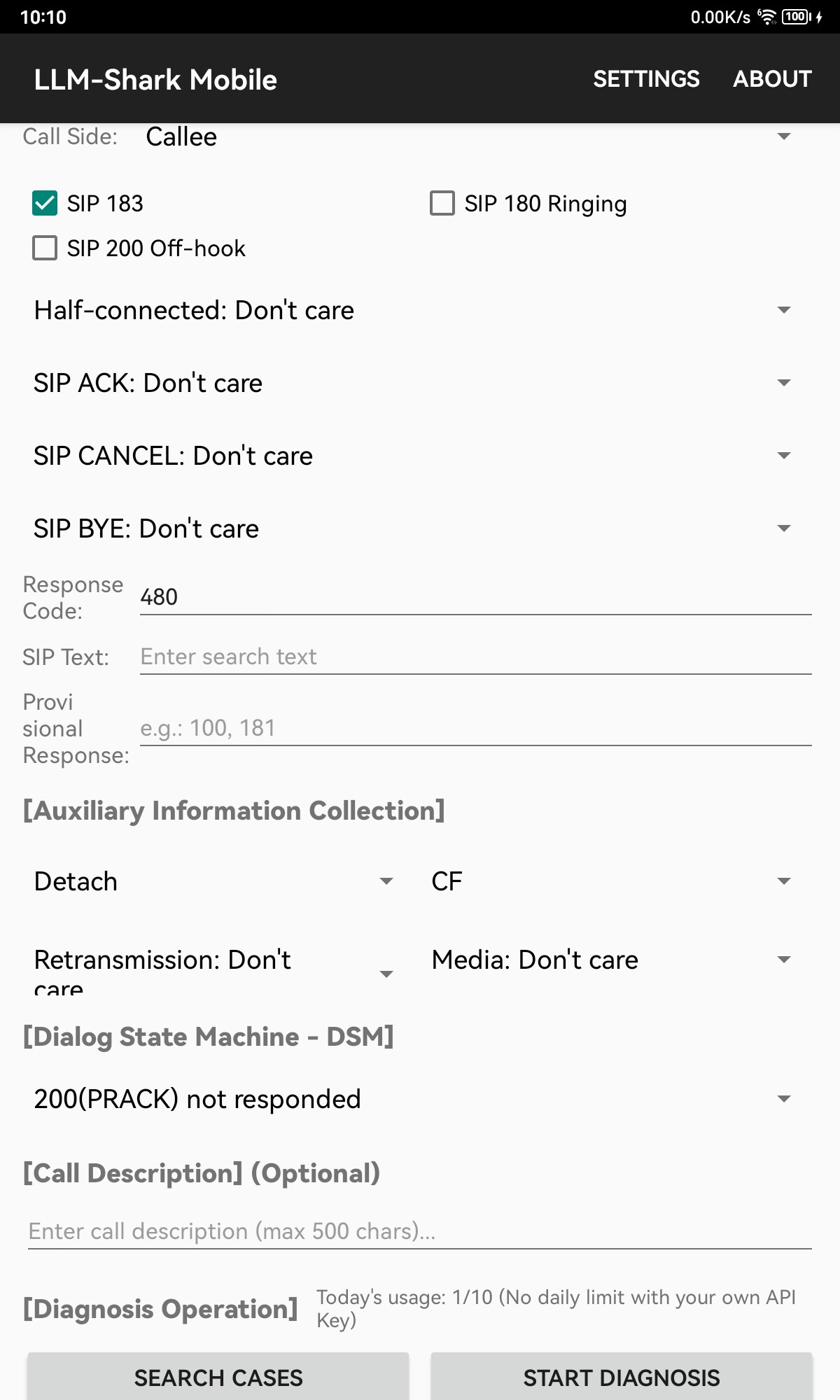
First, enter some information about a VoLTE/VoNR call. Typically, we can determine whether the subscriber is the calling party or the called party, whether SIP 183/180 was observed, and the final status code — such as 480 for INVITE. If we can also access the detailed call record (xDR) for that call, there is an opportunity to obtain more information: for example, a Detach and Call-Forward (CF) occurred during the call, and the DSM recorded that the called party did not respond to PRACK (no 200 for PRACK was received).
After entering this information, click SEARCH CASES. If matching cases are returned, click START DIAGNOSIS — or continue adding information to re-match cases.
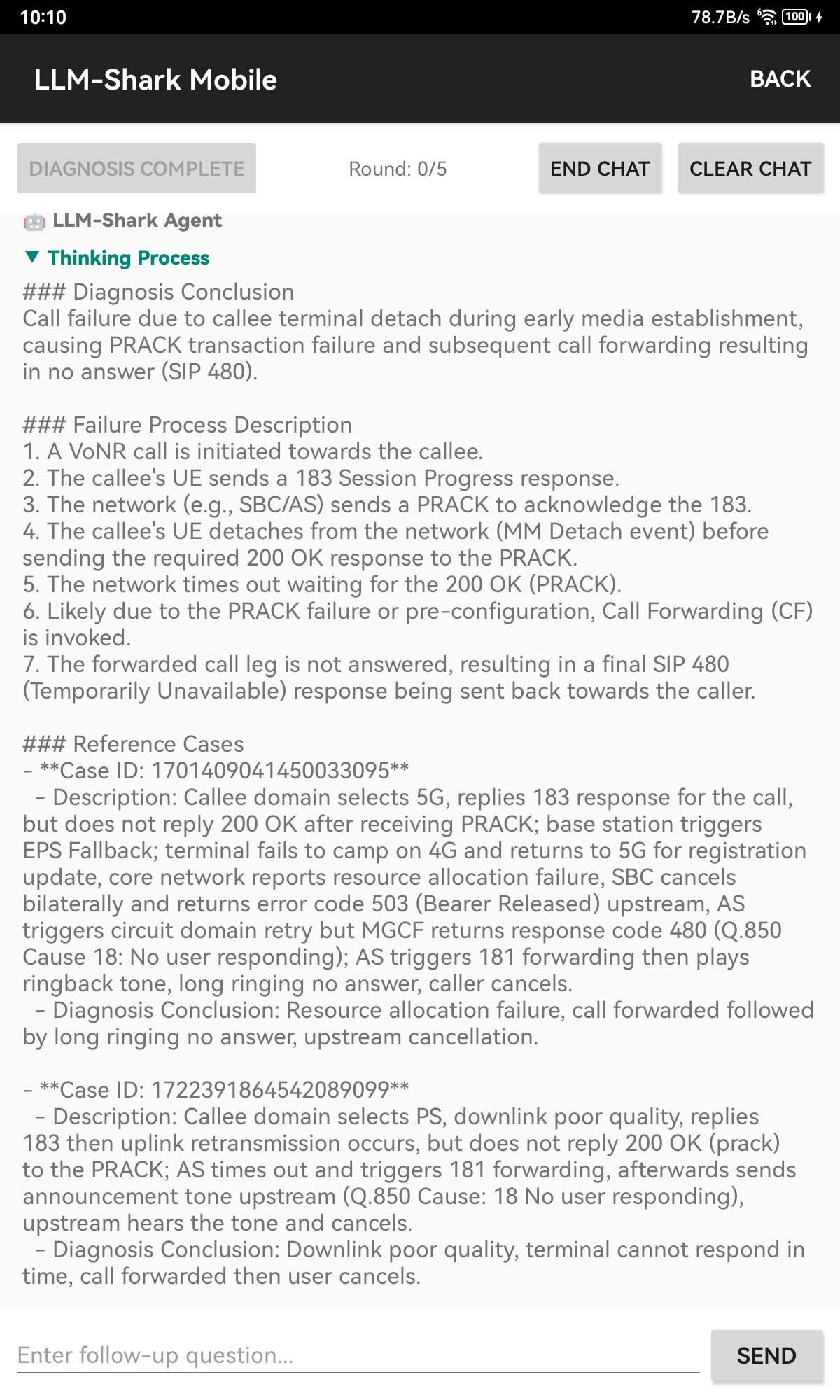
Upon entering the diagnosis interface, you will see the LLM’s Thinking Process. Once the thinking is complete, a final Diagnosis Conclusion is presented, along with a Failure Process Description and Reference Cases. Two possible causes are provided in the reference cases: Resource allocation failure or downlink poor quality.
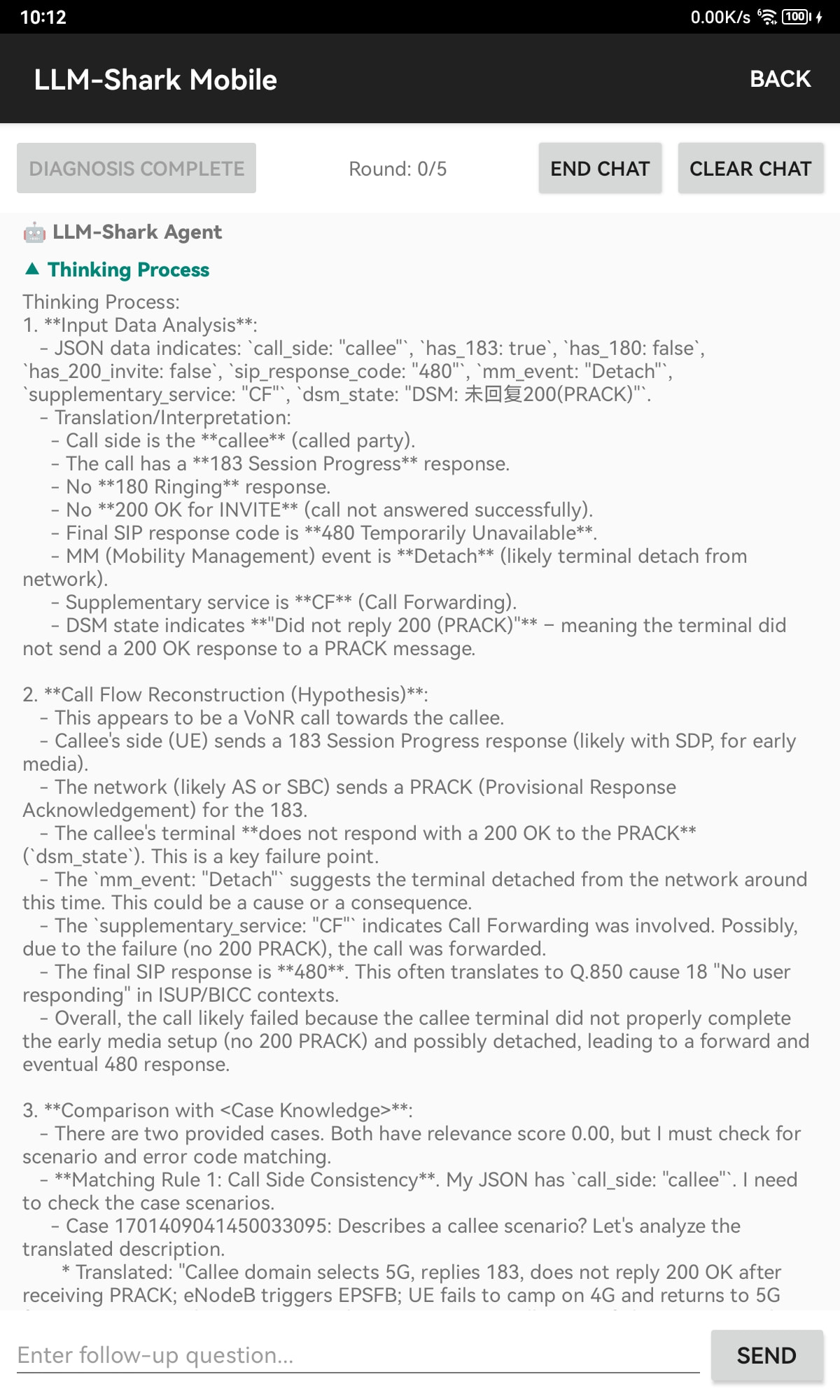
You can expand the Thinking Process to see how the LLM reasoned through the problem — it analyzes the call information and attempts to reconstruct the Call Flow.
The LLM compares the current call information against the Case Knowledge to verify whether the reference cases are a match.
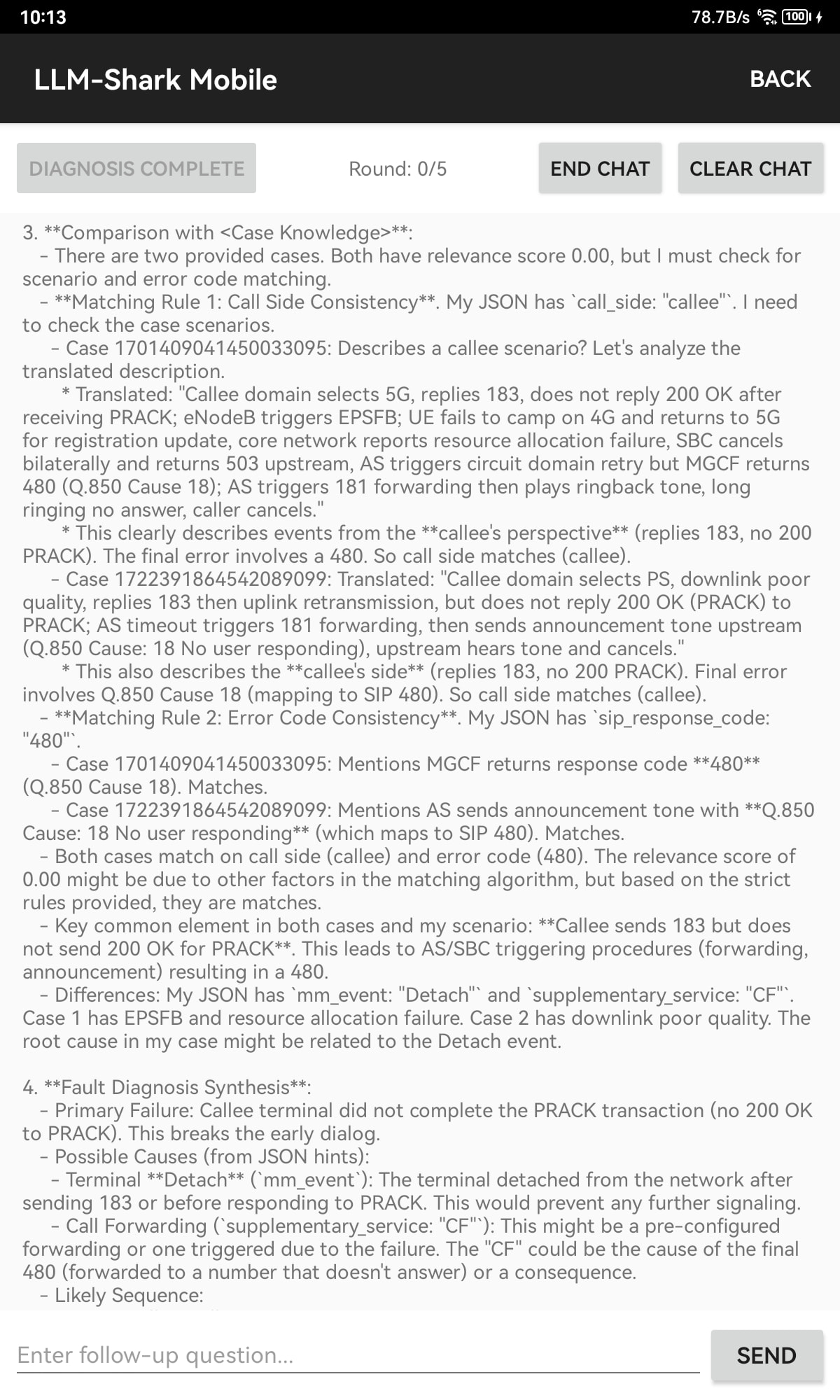
It then performs a comprehensive Fault Diagnosis Synthesis and delivers a final conclusion.

The diagnosis above made use of reference cases from the Knowledge Base. What happens when there are no matching cases?
Below, we instruct the LLM to disregard the previous reference cases and independently reason about what the possible failure causes might be.
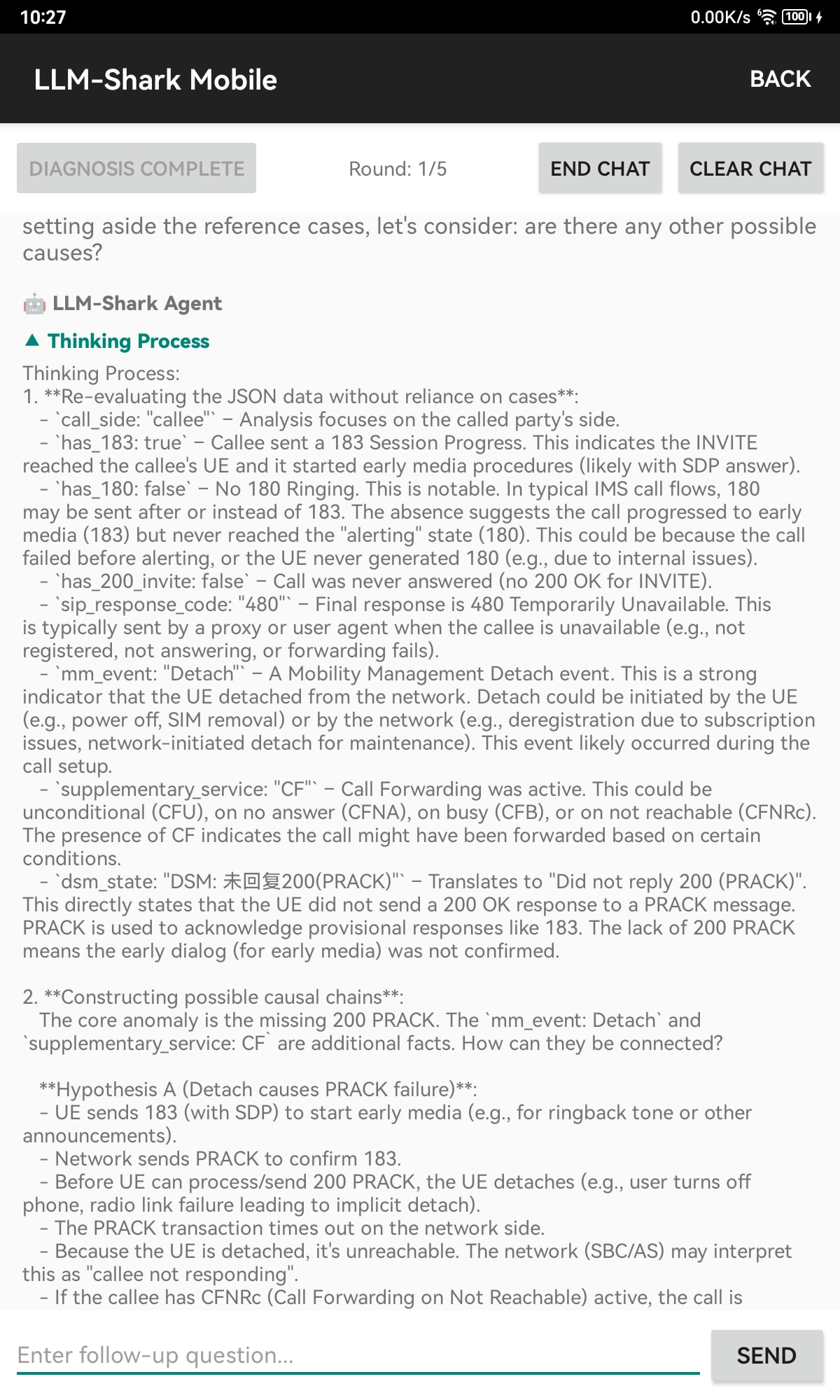
First, examine the Thinking Process: the LLM proposes multiple hypotheses, then considers potential causes beyond those found in the reference cases.
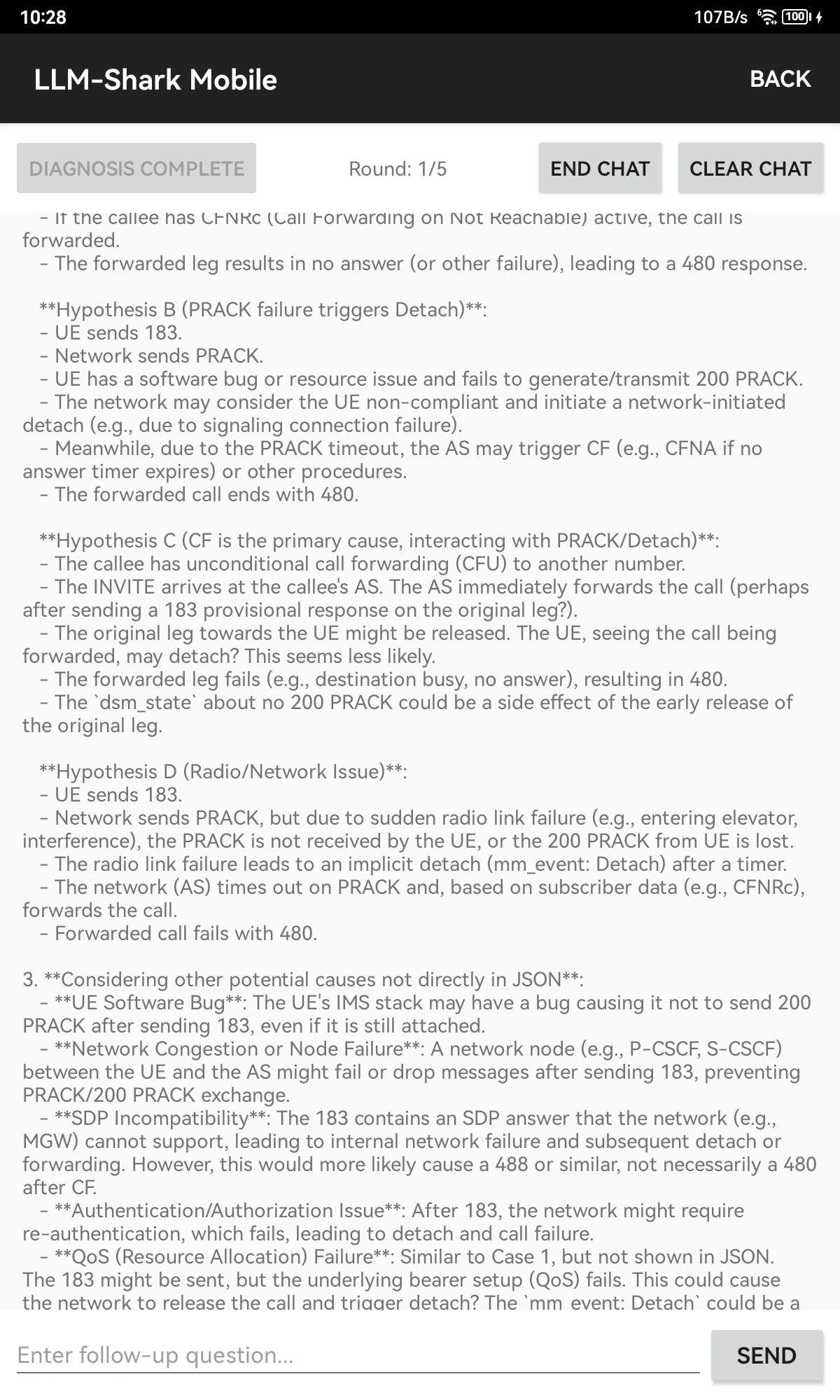
Based on the available information, it identifies the most probable hypothesis from among the candidates and outputs a diagnosis conclusion.
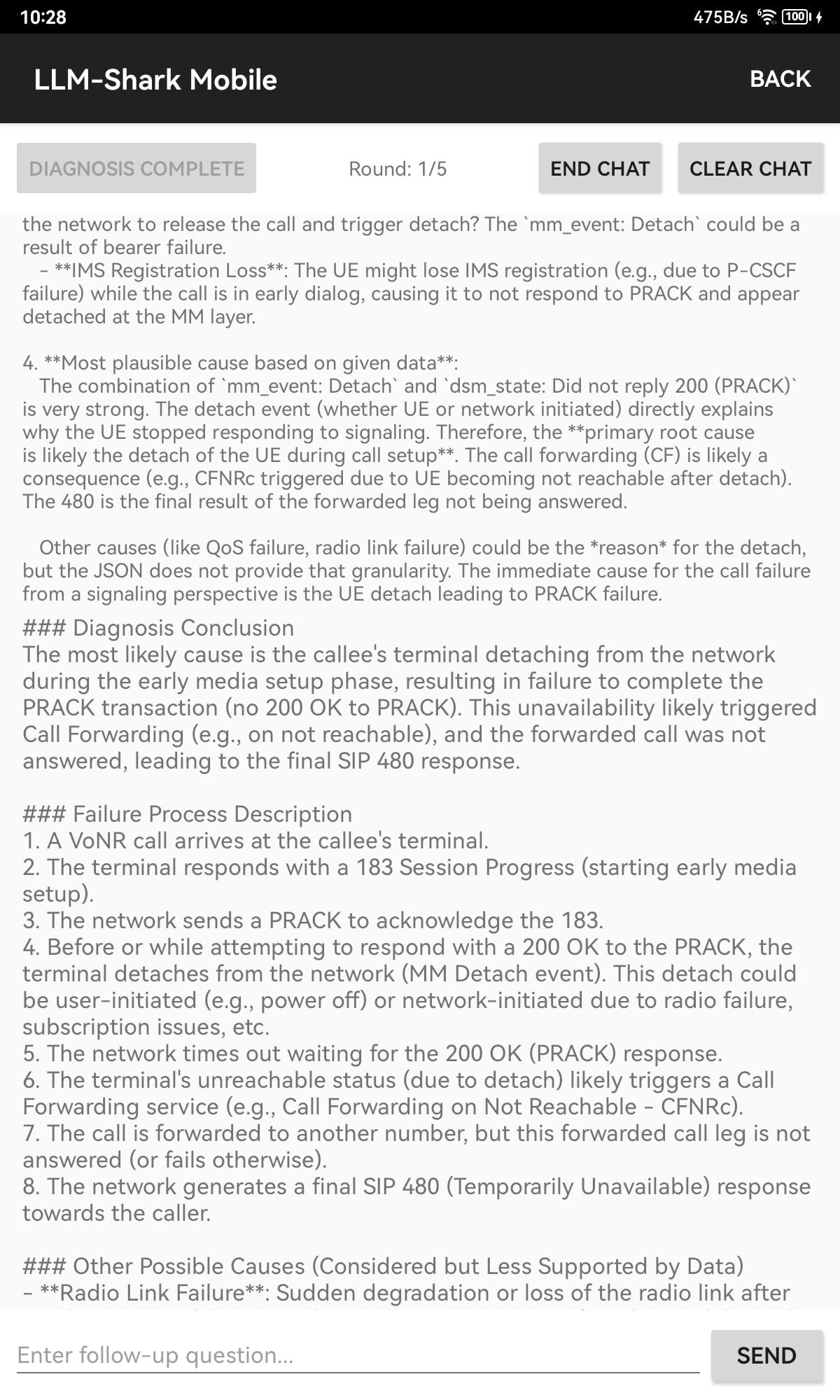
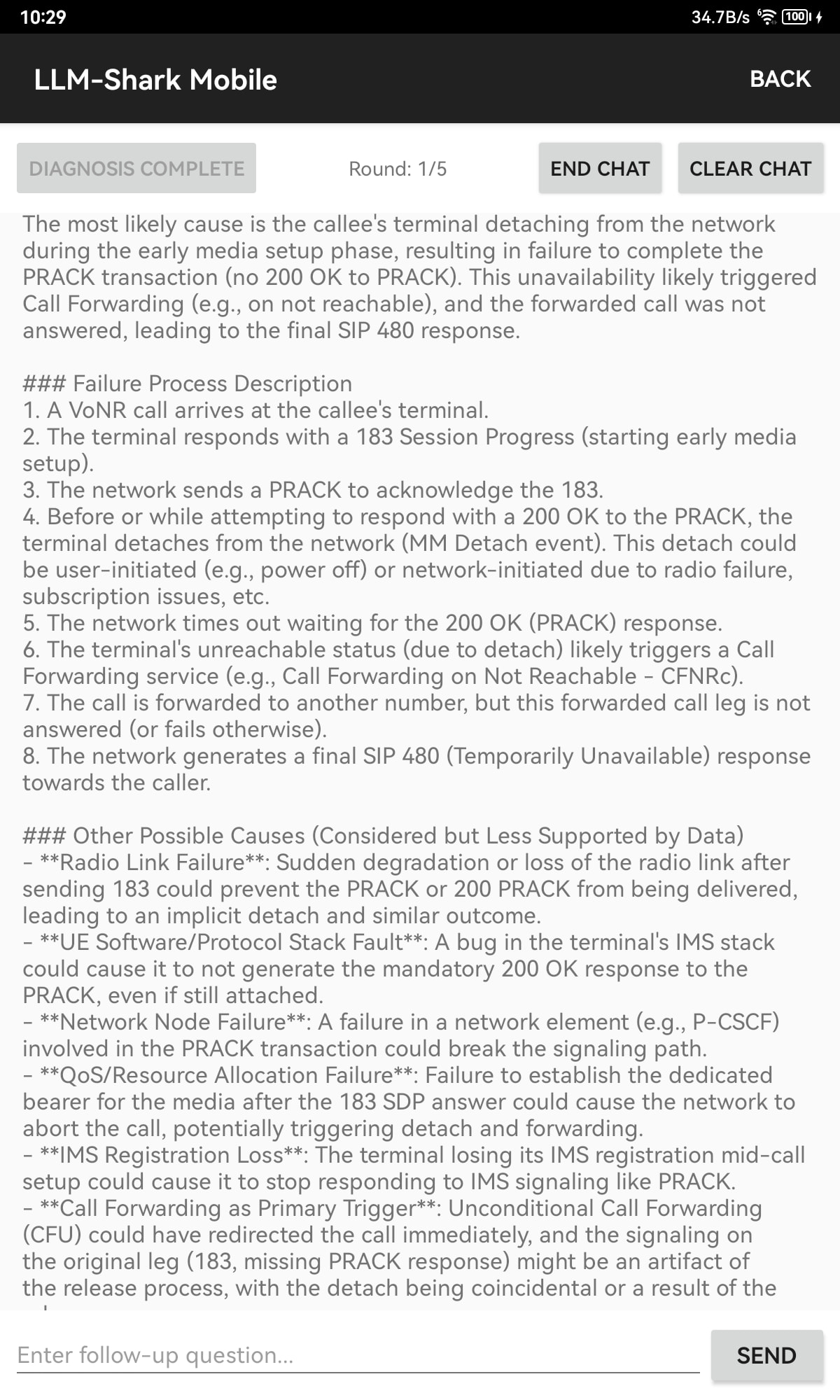
Without reference cases, the conclusion is: terminal detach caused by device power-off, radio failure, or network registration issues.
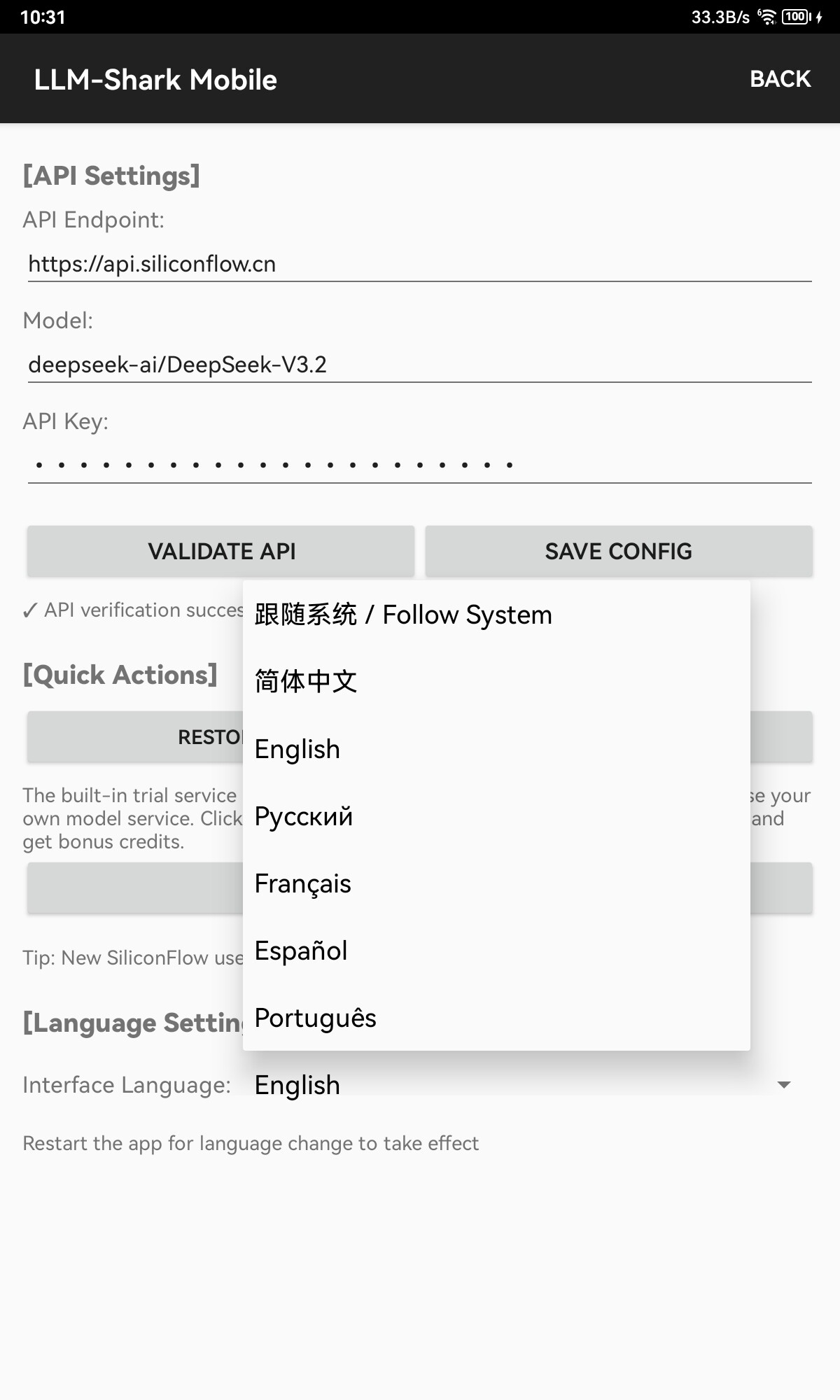
LLM-Shark Mobile supports multiple UI languages and BYOK (Bring Your Own Key) mode, allowing users to use a custom large language model.
About LLM-Shark Mobile and LLM-Shark Desktop
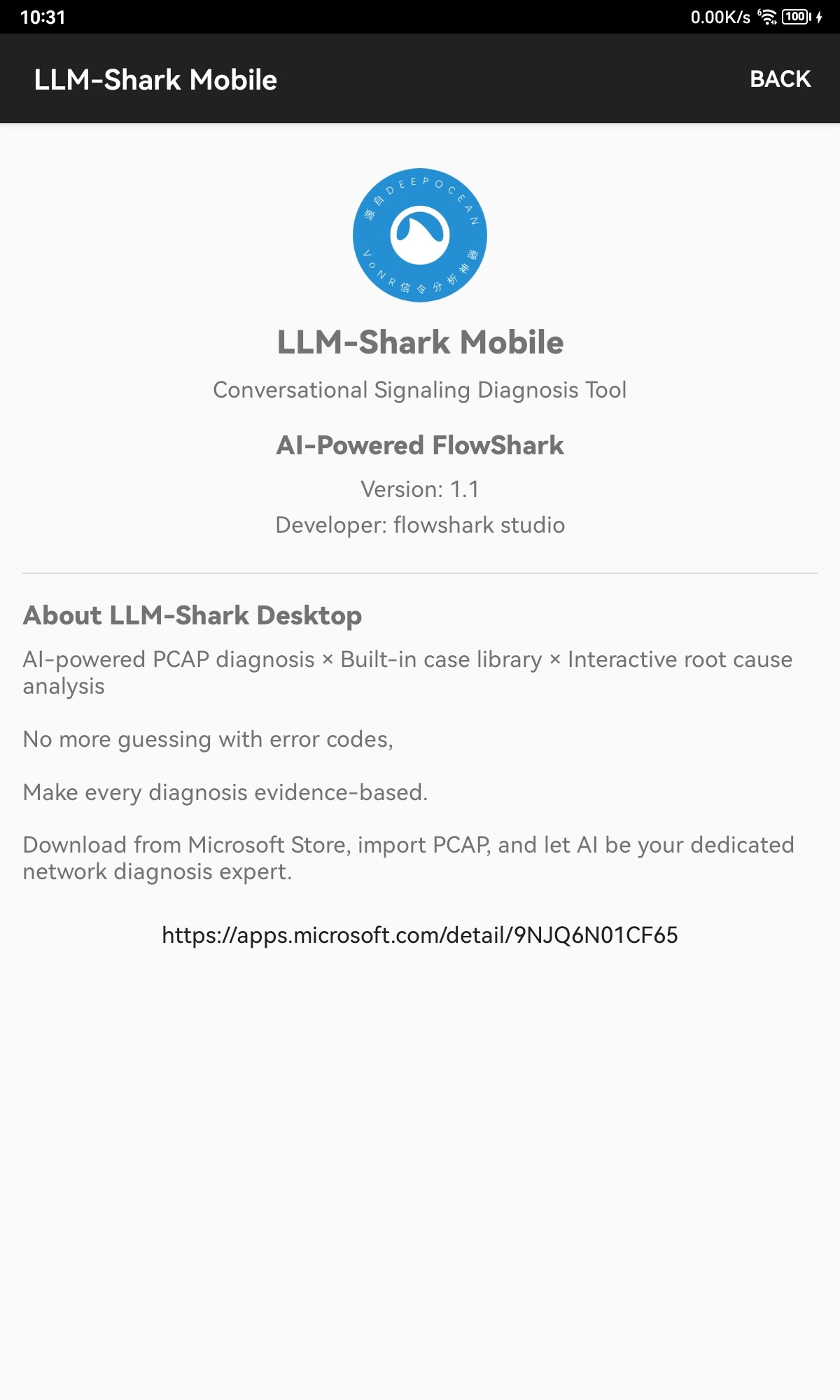
LLM-Shark Mobile currently only has an Android version available. Download the APK from github