Enhance your Wi-Fi troubleshooting skills with this step-by-step training on solving the most common and elusive wireless issues. Perfect for IT professionals, network engineers, and MSPs looking to reduce downtime and improve user experience.
00:00 – Wyebot Wireless Intelligence Platform Overview
03:34 – Webinar Agenda: Best Practices, Troubleshooting Framework, Issue Categories, User Reports
05:18 – Wi-Fi Infrastructure Best Practices
08:20 – Avoid Channel Interference
14:00 – Disable Legacy Data Rates
16:22 – Client Load Balancing
20:15 – Proper Cell Sizing
21:20 – 6GHz Band Tips
23:32 – Troubleshooting Framework
31:57 – Categories of Wi-Fi Issues
33:24 – Connectivity Issues
35:35 – Mobility/Roaming Issues
40:35 – Performance Issues
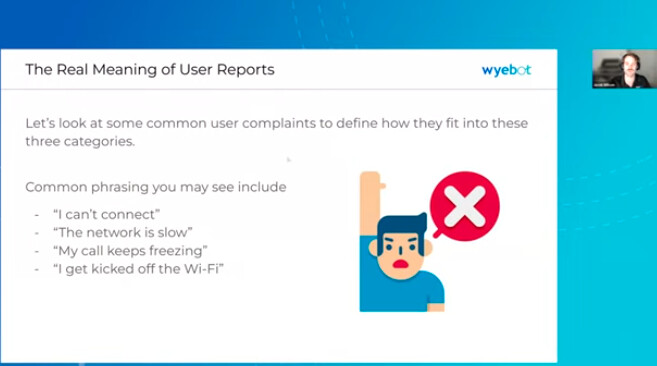
41:47 – Interpreting User Complaints
42:13 – “I Can’t Connect”
44:23 – “The Network is Slow”
47:16 – “My Calls Keep Freezing”
48:39 – “I Get Kicked Off the Wi-Fi”
53:01 – Wyebot Free Trial Offer
54:06 – Live Q&A with Wyebot Engineers
In this training, you’ll learn:
 Best practices for designing and configuring reliable Wi-Fi networks
A proven troubleshooting framework to standardize IT investigations
Categories of common Wi-Fi issues and how to identify them quickly
How to translate vague user complaints into technical root causes
How Wyebot’s sensors, agents, and AI-powered analytics reduce troubleshooting time
This training is great for:
 IT teams managing enterprise or campus Wi-Fi
MSPs supporting schools, healthcare, and multi-site networks
Network engineers facing roaming, interference, or driver issues
Technical leaders looking for faster root-cause analysis
Watch video on YouTube:  https://www.youtube.com/watch?v=9gbEOdHYxbk